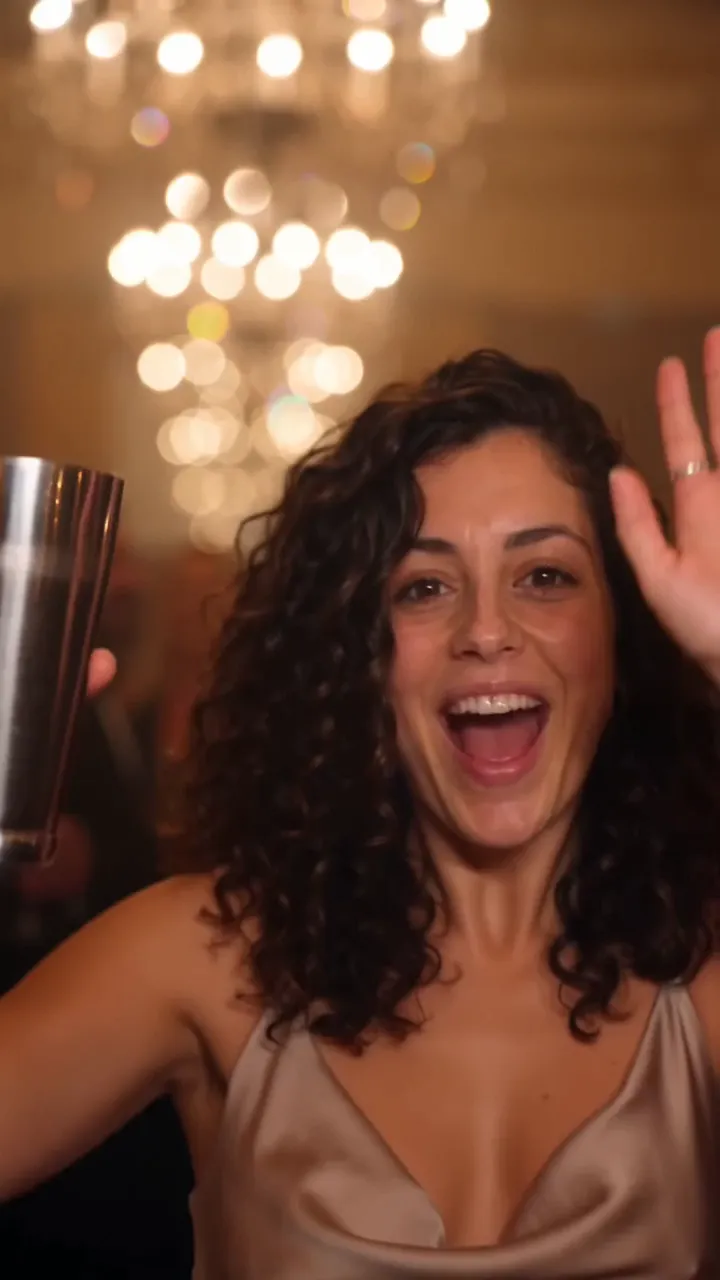
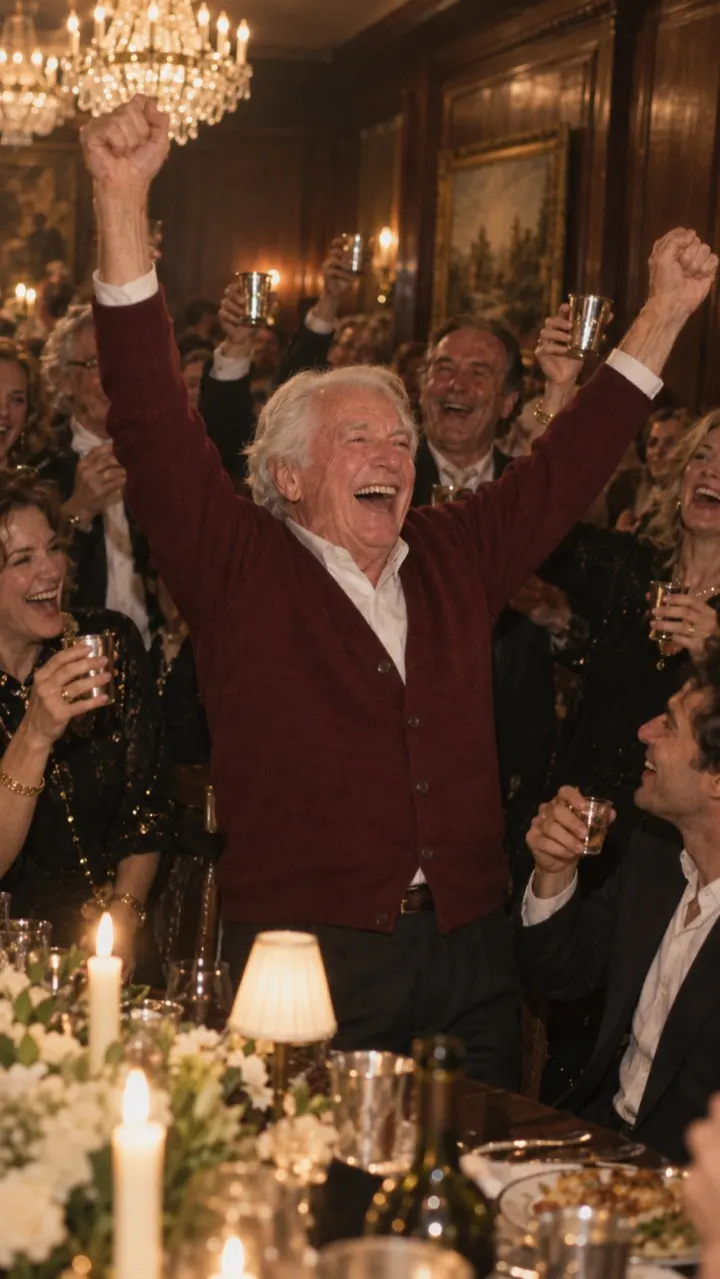
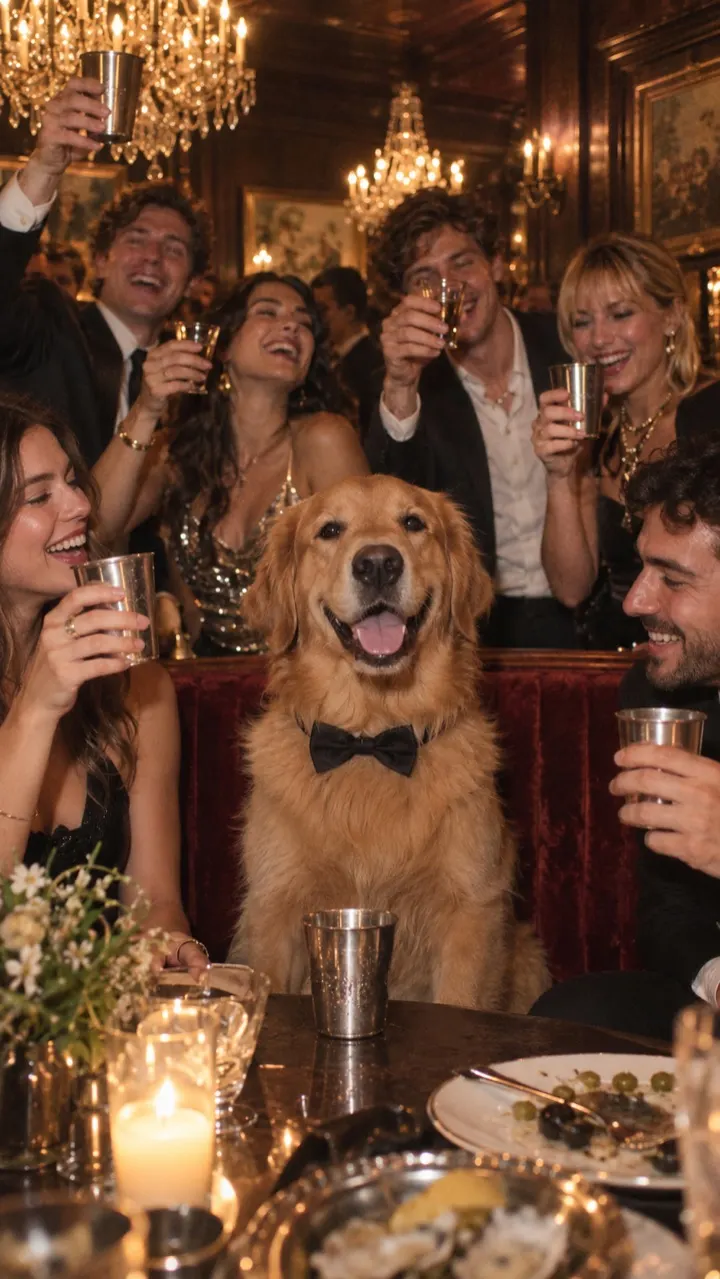
What photo works best for the Burning Bridges AI video
One photo makes the whole Burning Bridges AI video. Here is what a good one looks like for people and pets, and what to avoid.
3 min read · Updated
The short answer
One clear face, looking at the camera, in good light. That’s it. A plain selfie usually beats a dressed-up photo, because the video dresses you up for the party anyway.
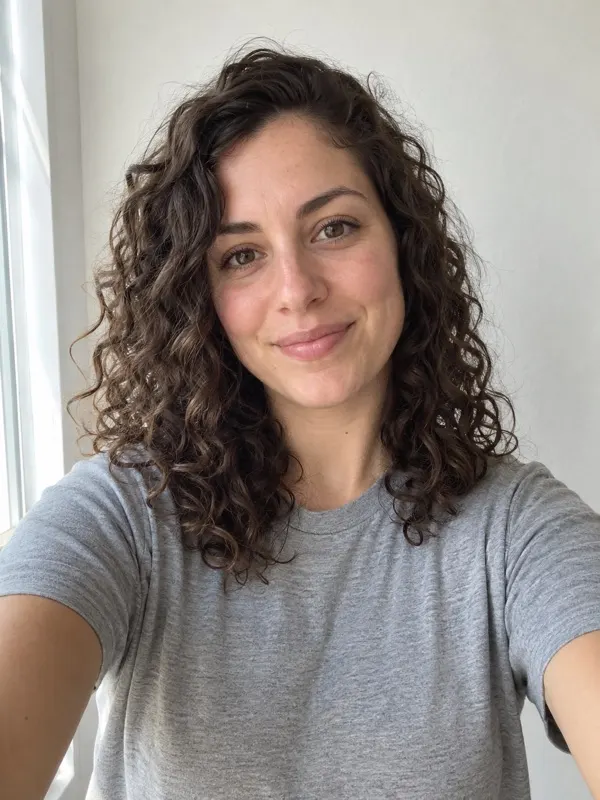
For a photo of a person
- Face the camera, or close to it. Profile shots give the video less to work with.
- Use soft, even light: a window or open shade. Avoid strong shadows across the face.
- Keep the face sharp. A slightly blurry photo makes a blurrier video.
- Head and shoulders are enough. You don’t need a full-body shot.
- Your clothes don’t matter much: the video puts you in a night-out outfit.
For a photo of a pet
- Get your pet looking toward the lens. A treat held just above the camera helps.
- Show the whole head and some of the body, so the coat and markings carry through.
- One animal only. Two pets in one photo confuse the lead.
What to avoid
- Group photos, or anyone else partly in the frame.
- Sunglasses, masks, or hands covering the face.
- Heavy beauty filters, stickers or text over the photo.
- Very dark, grainy or tiny photos.
- Photos of celebrities, public figures or anyone under 18. These aren’t allowed.
If a video still fails, it goes back into your pack automatically, so you can try again with a clearer photo. Ready? Upload your photo.
Questions
Can I use a group photo?
Not as is. The video has one lead, so the photo should show one person or one pet. Crop a group photo down to one face, as long as it stays sharp.
Can I use a photo of someone else?
Only of an adult who has agreed to it, and only a photo you have the rights to use. No celebrities, no public figures and no one under 18.