How to do the Burning Bridges AI trend
Make the Burning Bridges AI video from one photo: pick the photo, make the 10-second party clip, then post it with the official sound on TikTok or Reels.
4 min read · Updated
What the trend looks like
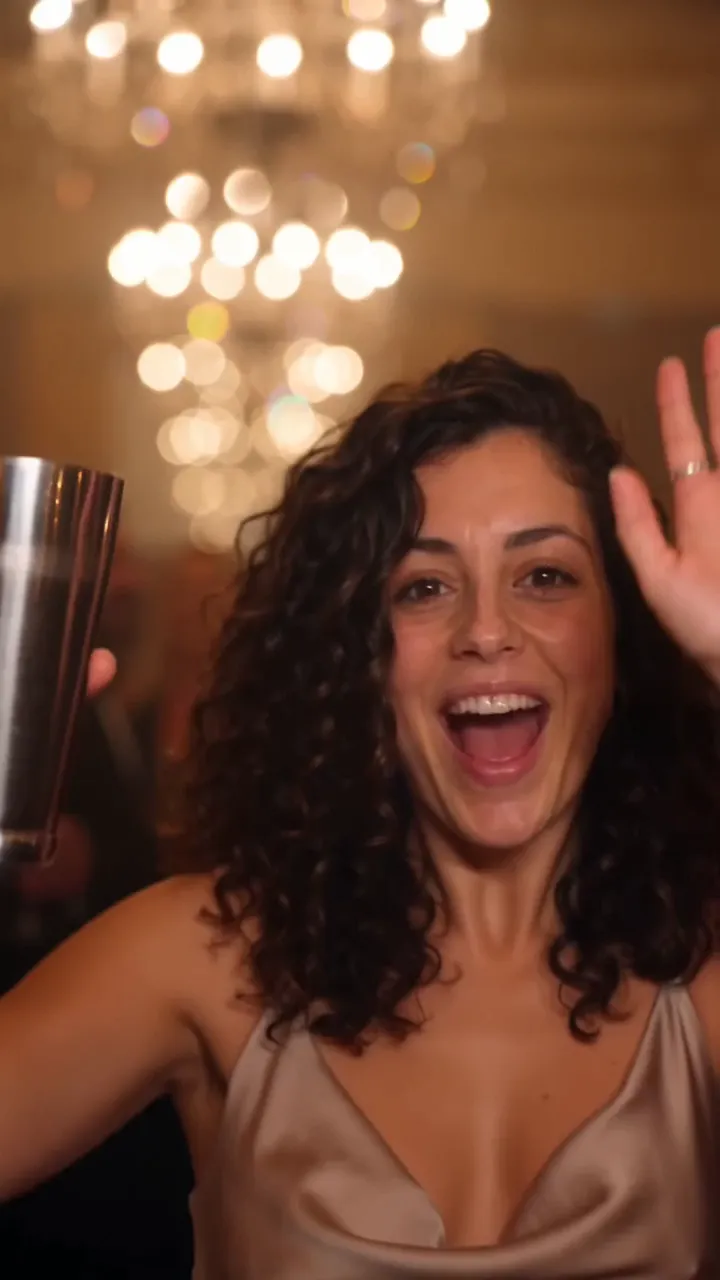
The Burning Bridges AI trend puts you at the centre of a chandelier-lit supper-club party. In about ten seconds you step out of the crowd with a cup up, wave at the camera, move with the room, shade your eyes to scan the crowd, and throw your arms up as the whole table cheers. The clip is posted with the Burning Bridges sound.
The AI version means you don’t need a party, a crowd or a camera operator. One photo of you is enough.
Make it in four steps
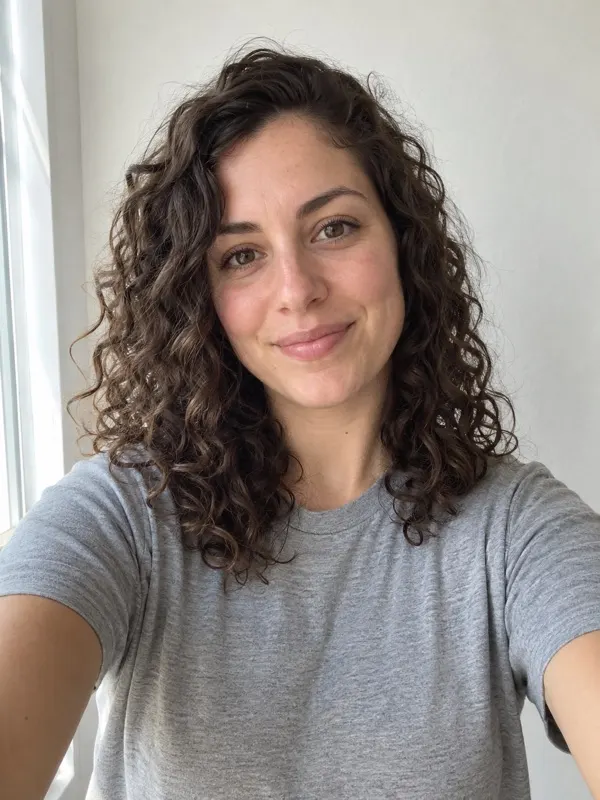
- Pick a photo. One clear face, looking at the camera, in good light. A plain selfie works well. The photo guide has the details.
- Upload it on the home page and press Make my video. Choose Standard 480p, or HD 720p for a sharper picture.
- Wait about 3 minutes. You can close the tab: we email you when the video is ready, and it stays in My videos.
- Download the video and post it with the official Burning Bridges sound. The sound guide walks through TikTok and Reels.
The five beats in your video
- 0–2 s: you step out of the crowd toward the camera, cup pointed at the lens.
- 2–4 s: a close-up wave, cup raised, big grin, chandeliers behind you.
- 4–6 s: you sway to the beat while the room dances around you.
- 6–8 s: one hand over your eyes like a visor, scanning the room.
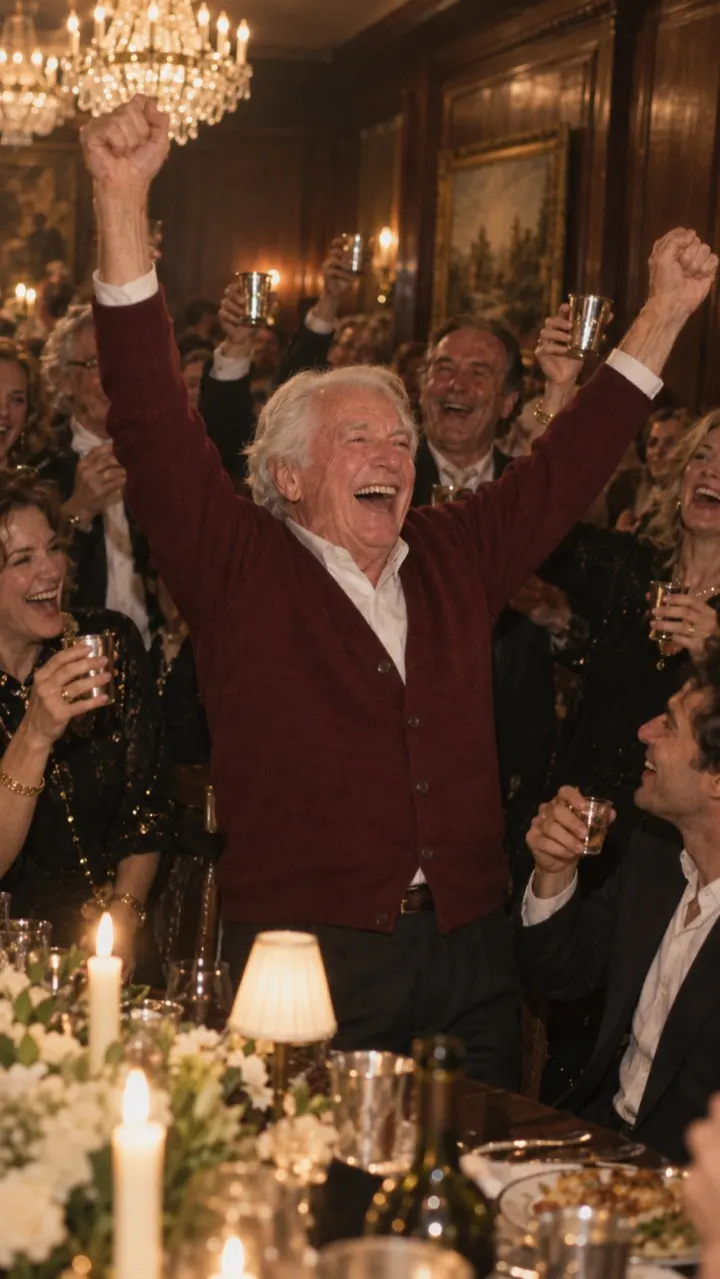
- 8–10 s: arms up as the whole table jumps to its feet and cheers.
If you’d rather use your own AI video tool, the Burning Bridges AI prompt is the full shot list we use, ready to copy.
Posting tips
- Post the vertical 9:16 version for TikTok and Reels. It fills the screen with no black bars.
- Add the sound inside the app rather than editing it into the file, so your video appears with the trend’s sound.
- Line up the start of the sound with your entrance in the first shot. Most apps let you pick which part of the song plays.
- Keep your caption short and say it’s an AI video if you post it publicly.
Questions
Do I need to film anything for the Burning Bridges AI trend?
No. The whole clip is generated from one still photo. You don’t need to dance, find a venue or film a crowd.
Does the AI video come with the song?
No. The video is silent. You add the official Burning Bridges sound in TikTok or Instagram when you post, which is also how the platform links your video to the trend.
Can I do the trend with my dog or cat?
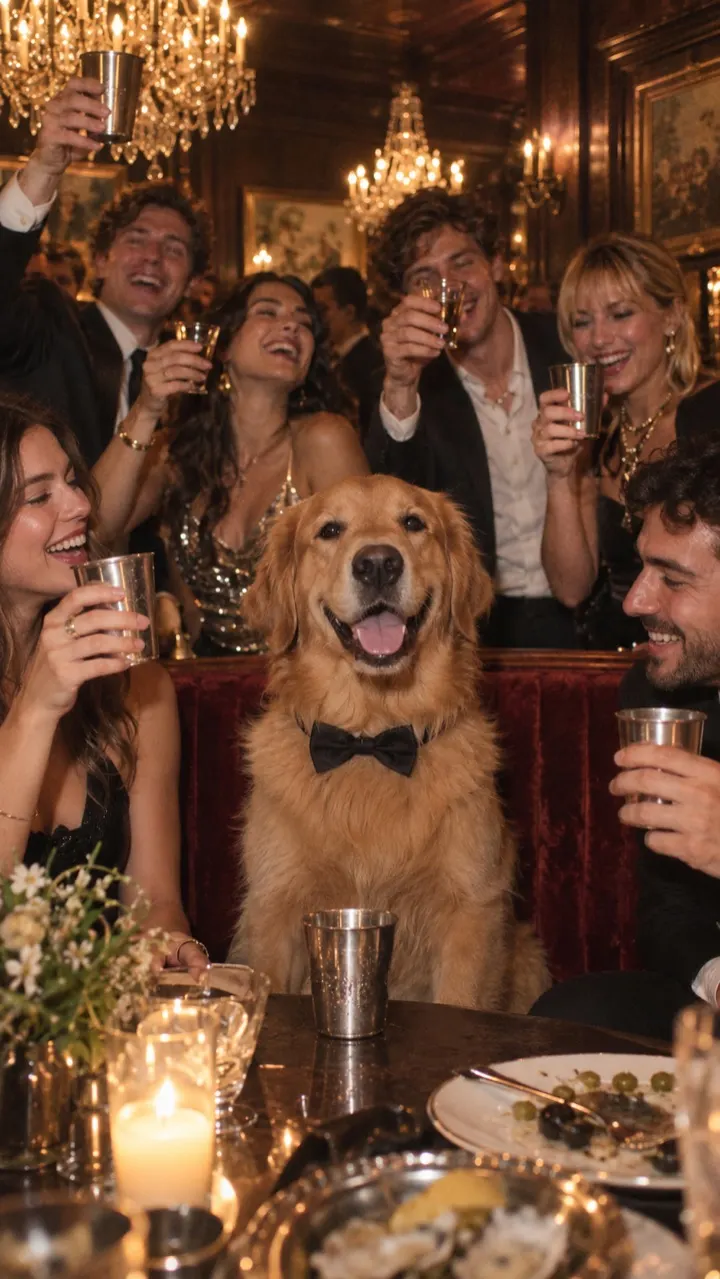
Yes. Upload a photo of your pet instead of yourself. The pet version keeps the same five beats: the entrance, the wave, the dance, the search and the cheer.