Why your Burning Bridges AI video gets blocked (and what to do)
Content-filter errors stop a lot of Burning Bridges AI videos. Why they happen, how to get past them with a better photo or prompt, and what we do when it happens here.
4 min read · Updated

The short answer
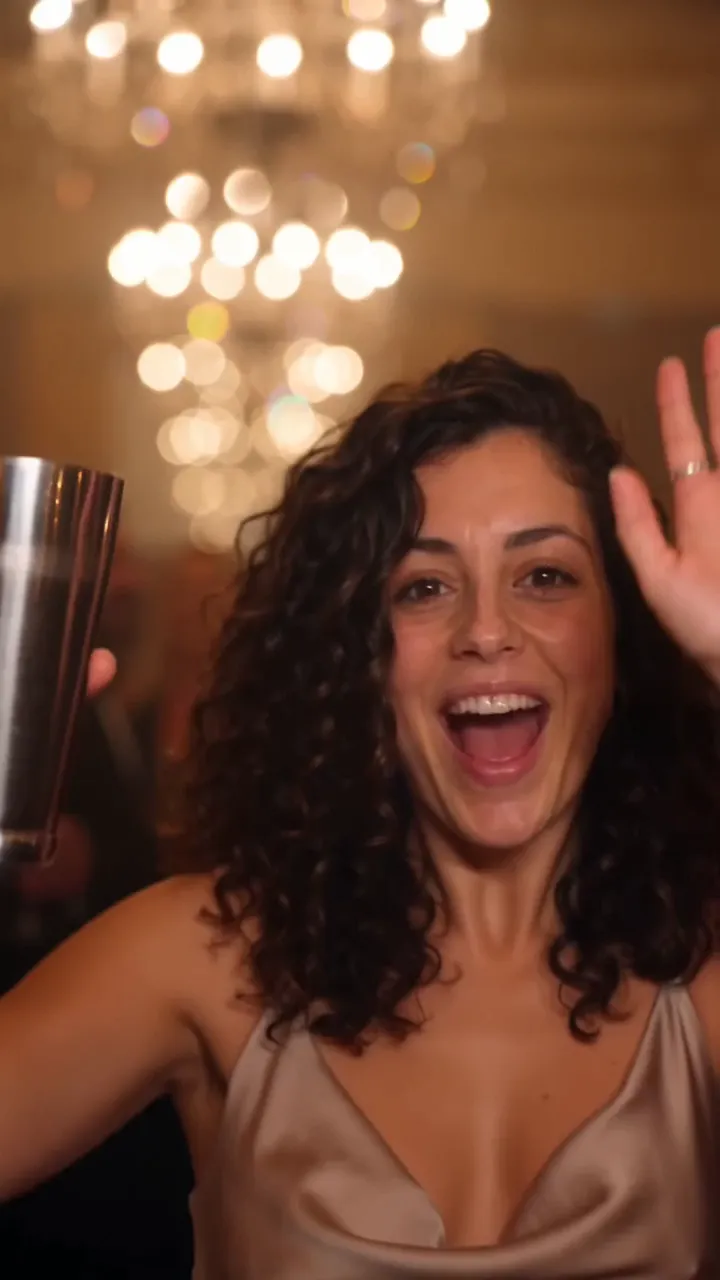
Most blocks come from the video tool’s safety filter, not from anything you did wrong. The Burning Bridges scene has drinks, a crowd and a famous song behind it, and filters can react to all three, as well as to photos that look like a celebrity or someone under 18. A clearer photo of an adult, a plainer prompt and leaving out the artist fix most of them.
Why filters stop this trend
- Drinks and partying. Cups, alcohol and nightlife words can trip filters on some tools.
- Real people. Naming Drake, an actor or any public figure, or uploading a photo of one, is blocked by most tools.
- Lyrics and song titles. Some tools may treat them as copyrighted material and refuse the prompt.
- Photos that look young. Filters block anyone who might be under 18, and smoothing filters can make adults look younger.
- Crowded photos. Several faces in the reference make it hard to tell who the lead is.
Fix the photo first
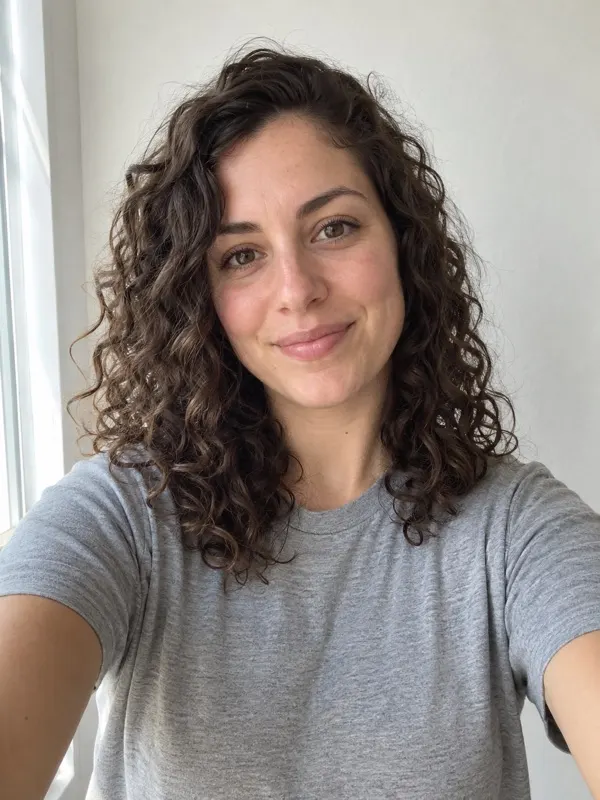
- One adult or one pet, nobody else in the frame. Crop if you need to.
- Face toward the camera, eyes open, nothing covering the face.
- Even light from a window or open shade.
- Plain clothes and a plain background, with no logos or text.
- No beauty filters, stickers or heavy edits.
- A sharp original, not a screenshot of a screenshot.
The photo guide shows a photo that works.
Fix the prompt, if you use your own tool
- Leave out the artist, the song title and any lyrics. Describe the scene instead.
- Swap the cup for a gesture: pointing at the lens, or a hand on the chest.
- Move the crowd a few steps back from the lead.
- Say that the extras are generic and don’t look like anyone famous.
- Keep it to one lead from one reference photo.
Our Burning Bridges AI prompt already leaves out the artist and the lyrics, and keeps the extras generic. If a tool still refuses it, make the swaps above.
Errors that look like blocks
- No face found: the tool couldn’t find a clear face. Use a photo where the face points at the camera, with eyes open and nothing covering it.
- Photo rejected on upload: on our site the photo must be a JPG, PNG or WebP under 10 MB, at least 512 pixels on the short side and under 6000 on the long side.
- Timed out: the render took too long and was stopped. Try again.
What happens on TryBurningBridges
If the video model turns down your first try, we automatically try once more with a gentler version of the same scene: no drinks, and the crowd a little further back. You don’t need to do anything.
If that is turned down too, or the render fails for any other reason, the video goes back into your pack automatically. Nothing to claim and no one to email. Try a different photo with plain clothes and a plain background.
Some photos we won’t make at all: celebrities and public figures, anyone under 18, and anyone who hasn’t agreed to it. The FAQ has the full rules. Ready to try again? Upload a photo.
Questions
Why does my Burning Bridges AI video say content violation?
The video tool’s safety filter flagged your photo or your prompt. The usual triggers are drinks and party words, a real person’s name, song lyrics, or a photo that looks like a famous person or a minor.
Do I lose a video if mine gets blocked on TryBurningBridges?
No. We retry once with a gentler version of the scene. If that is turned down too, the video goes back into your pack automatically.
Can I put Drake or a celebrity in my video?
No. We don’t make videos of celebrities or public figures, and most AI video tools block them too. Use a photo of yourself, your pet or an adult who agreed to it.
Will a different photo help?
Usually. A sharp photo of one adult facing the camera, in plain clothes against a plain background, gets through more often than a dark, filtered or crowded one.