Vertical or widescreen: making the Burning Bridges video fit TikTok
Post the Burning Bridges AI video in vertical 9:16 for TikTok, Reels and Shorts, and 16:9 for YouTube and X. What each format does, and why cropping a wide clip loses so much.
4 min read · Updated
The short answer
For TikTok, Reels and Shorts, use vertical 9:16. It fills the phone screen with no black bars and no cropping. Use widescreen 16:9 for YouTube, X or a TV. On TryBurningBridges you pick the format before the render, so every shot is framed for it from the start.
The two formats
- 9:16 vertical: taller than wide. Made for TikTok, Instagram Reels, YouTube Shorts and Stories.
- 16:9 widescreen: wider than tall. Made for YouTube, X, a laptop or a TV.
The original music video is widescreen, so many AI tools for this trend copy that framing and hand you a 16:9 file. That’s fine for YouTube, and awkward everywhere the trend actually lives.
What happens if you post 16:9 on TikTok
TikTok and Reels accept a widescreen video, but it plays as a strip across the middle of the screen with black bars above and below. Your face ends up small, and the cheer at the end loses its punch.
The usual fix is to crop it to 9:16. A vertical crop of a widescreen frame keeps only about 32% of its width. Everything near the edges goes: the people cheering beside you, the end of the long table, sometimes your raised cup or your waving hand.
Cropping also costs sharpness. You’re stretching a small slice of the picture to fill the whole screen, so a 720p widescreen clip looks softer once it’s cropped.
Why vertical from the start looks better
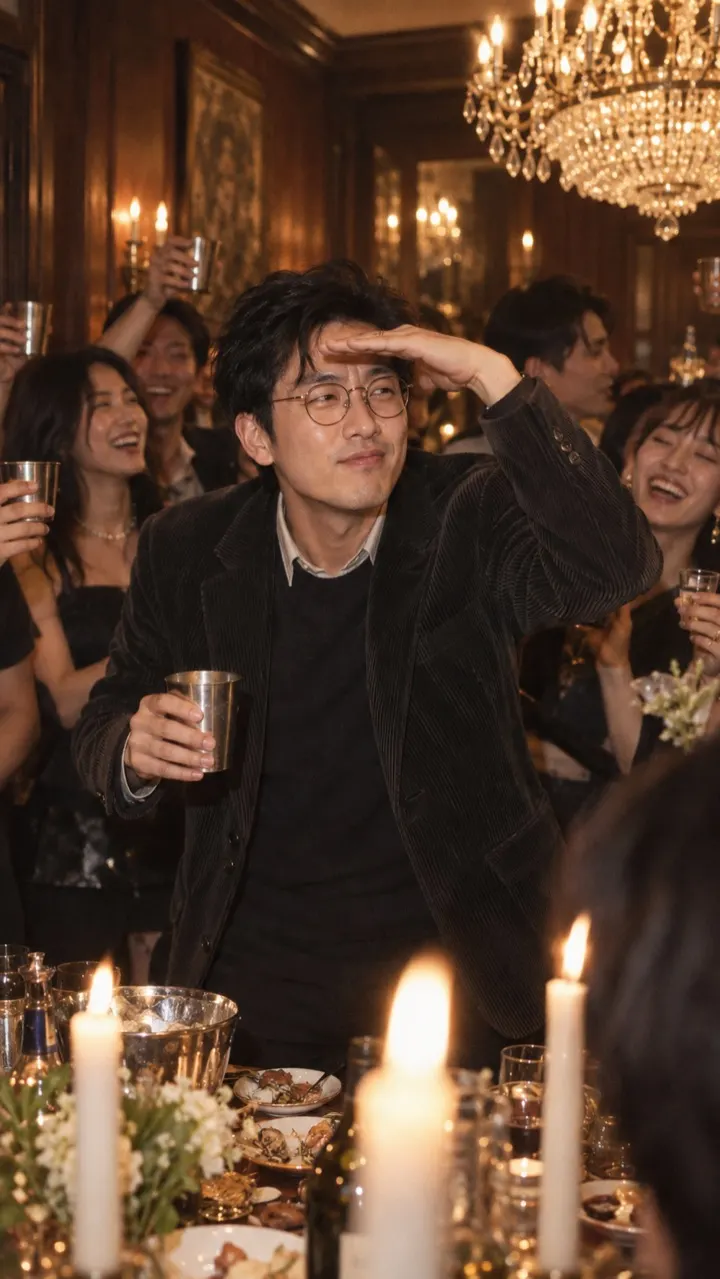
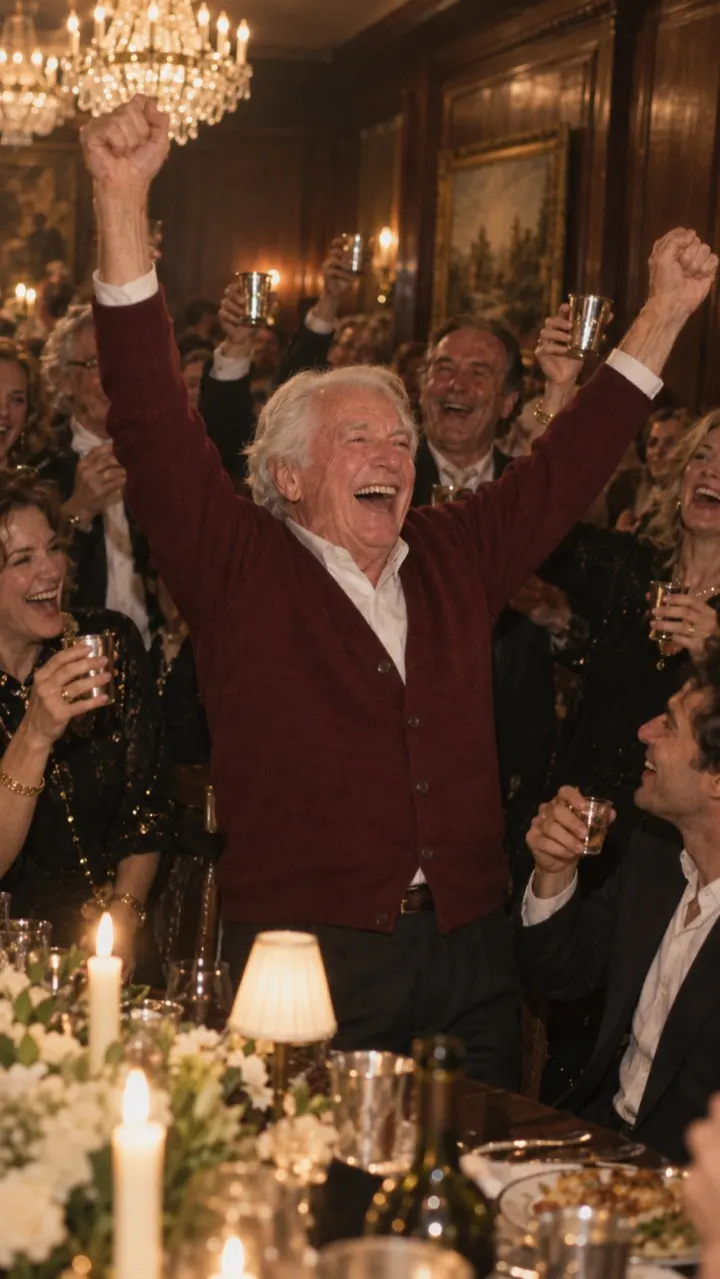
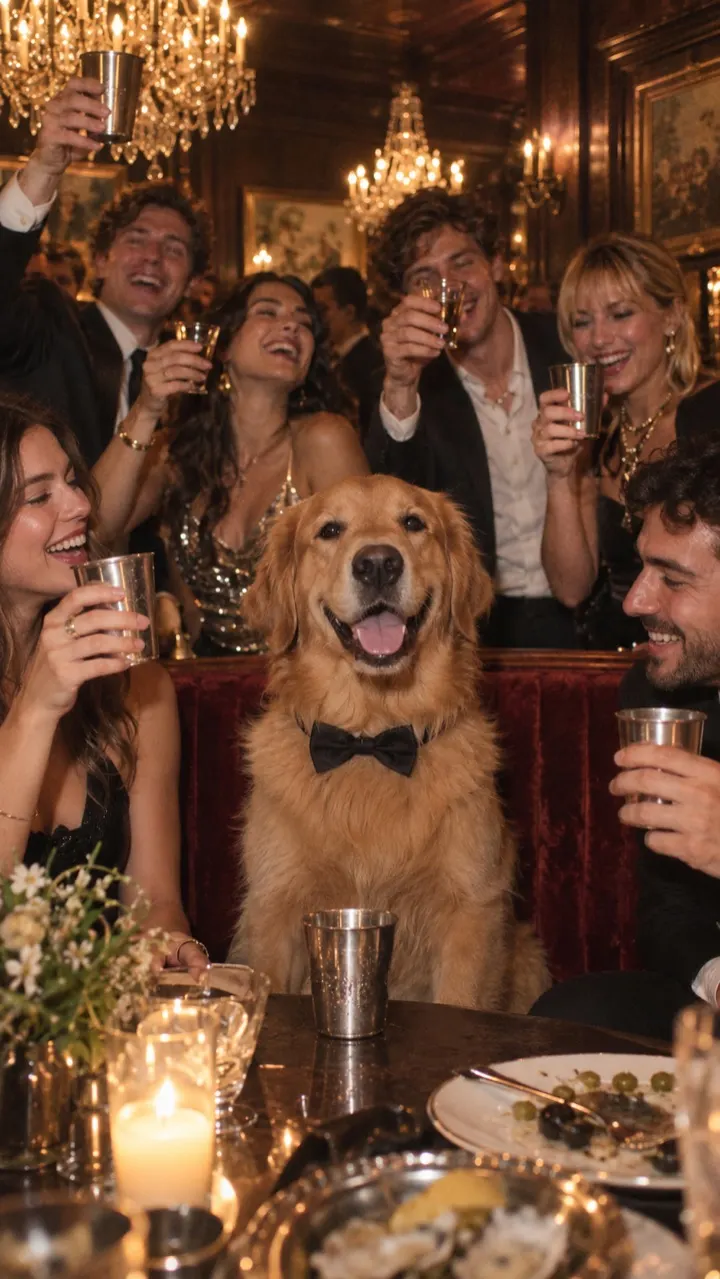
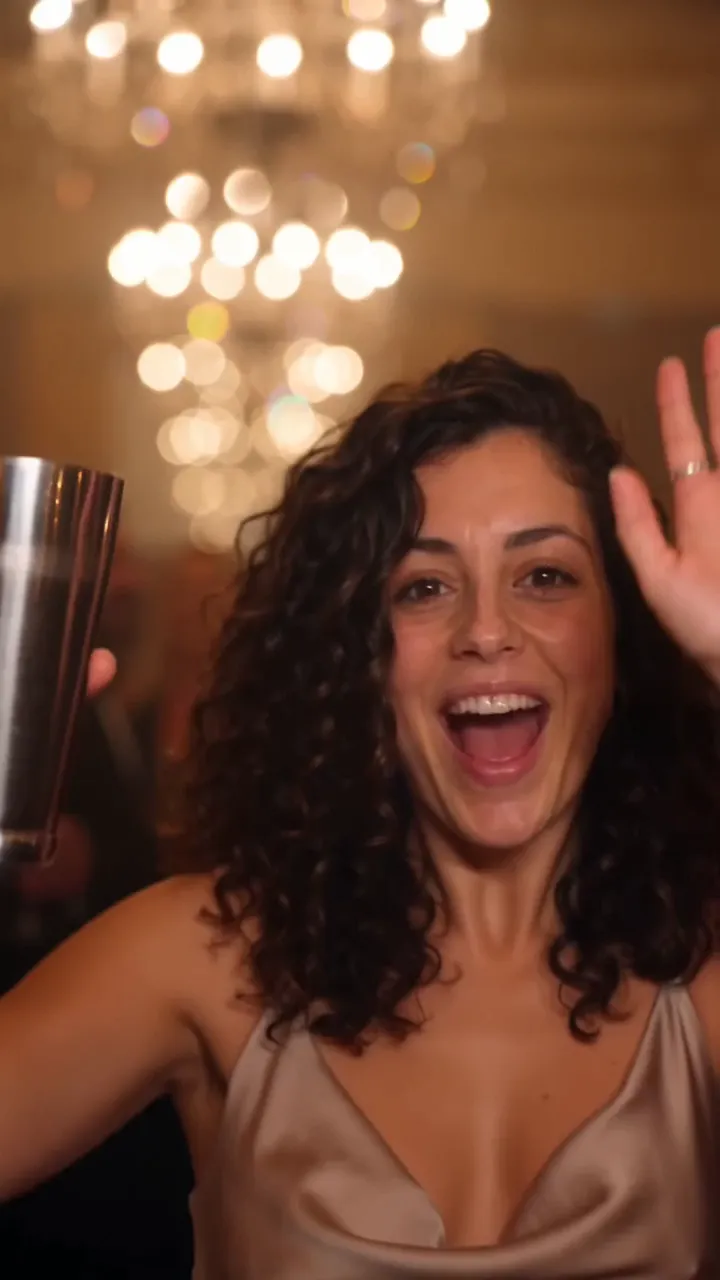
When the video is made vertical, every shot is composed for a tall screen: you in the middle, chandeliers above, the crowd around you. Nothing has to be cut away afterwards.
- The entrance fills the height of the screen as you walk toward the lens.
- The close-up wave keeps your face and the raised cup in frame together.
- The scan across the room has space for the hand over your eyes.
- The final shot down the long table keeps the cheering guests in view.
Leave room for the app, too. TikTok and Reels put the caption, sound name and buttons over the bottom and right of the screen, so put any on-screen text near the upper middle.
Which to pick
- TikTok, Reels, Shorts or Stories: 9:16 vertical.
- A YouTube video, a post on X, or a slideshow on a TV at a party: 16:9 wide.
- Both: make two renders. Each format uses its own video from your pack, or two each at HD. See the packs.
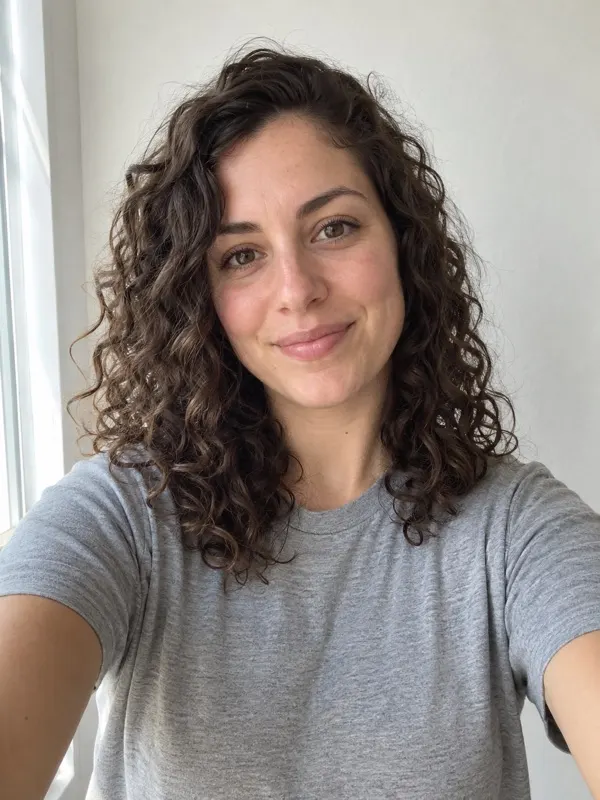
Whichever you choose, the clip is silent. Add the official sound when you post: the sound guide shows how. See the vertical samples on the examples page, or upload your photo and pick vertical.
Questions
What shape should a Burning Bridges video be for TikTok?
Vertical 9:16, the same shape as a phone screen. It fills the screen on TikTok, Reels and Shorts with no black bars.
Can I turn a widescreen Burning Bridges video into vertical?
You can crop it in an editor such as CapCut, but you keep only about a third of the width, so the crowd and parts of you can be cut off. Making it vertical from the start avoids that.
Does TryBurningBridges make vertical videos?
Yes. You choose 9:16 vertical or 16:9 wide before each render. Vertical is the default.
Can I get both formats from one render?
No. Each format is a separate render. Making both uses two videos from your pack at Standard, or four at HD.