How to Make the I Feel Like Nicole AI Cooler Cam
How the I Feel Like Nicole cooler cam works: the song, the five beats, the photo to use, posting with ADÉLA’s sound and filming it at a real fridge.
5 min read · Updated
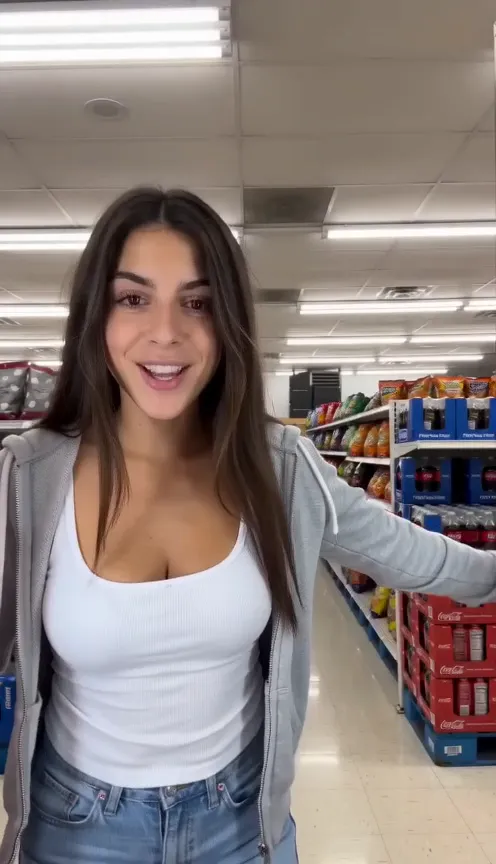
What the I Feel Like Nicole trend is
The trend is a lip-sync to “Nicole Kidman”, a pop song by ADÉLA. Its hook, “I feel like Nicole”, gives the trend its name, and the whole idea is to sing that line into the camera as if you were the most glamorous person in the building.
The version that spread is the cooler cam: a phone sits inside a supermarket’s glass-door drinks fridge, and the performer opens the door to find it. The song is a tribute to the actress’s star power, so nobody is trying to look like her. It’s all about the attitude.
The five beats, in order
- 0:00: the glass door swings open and the performer is already there, mid-word.
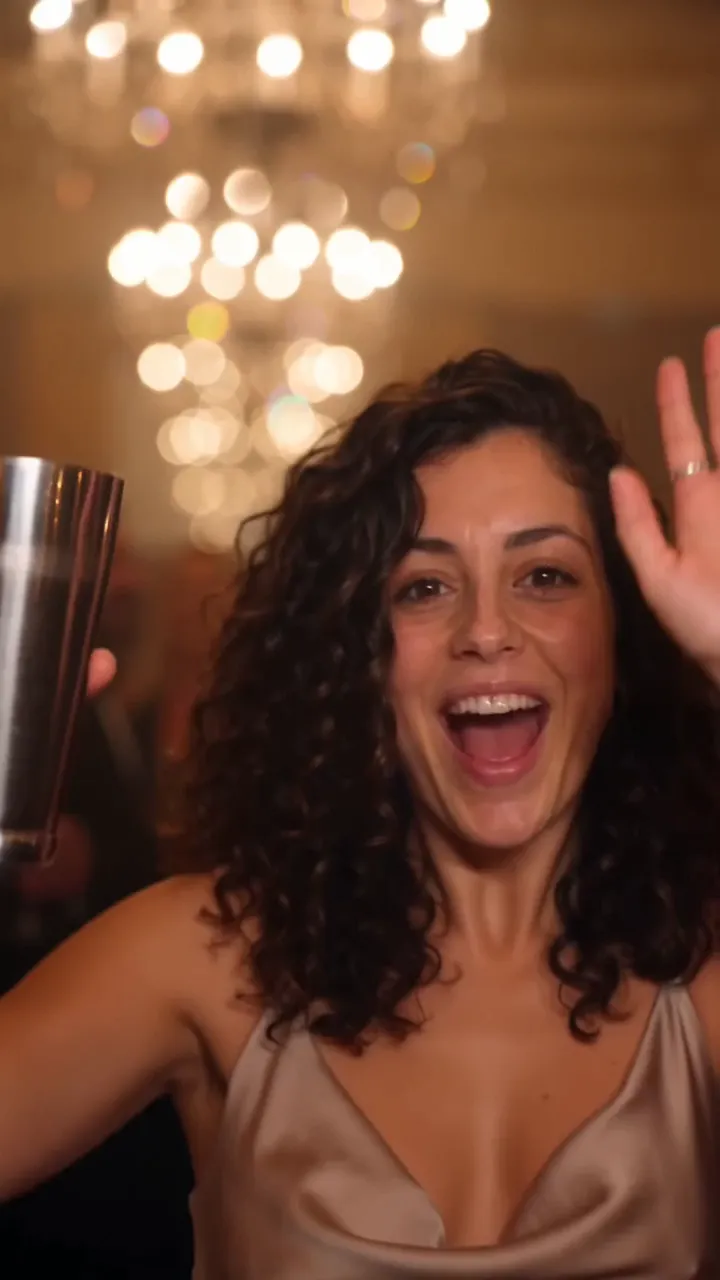
- 0:01: a close-up lip-sync of the hook, straight down the lens.
- 0:06: a step back into the aisle and a spin, hair fanning out.
- 0:10: back at the fridge to hold a pink drink up to the camera.
- 0:12: a walk away down the aisle as the door swings closed.
The full take runs 14 seconds. The close-up is the part people rewatch, so it needs the most confidence.
Making it from one photo
- Go to the I Feel Like Nicole AI page and upload a photo of yourself.
- Start the video. One costs $6.99, and packs of 4 or 12 lower the price per video; the details are on pricing.
- Give it about 3 minutes. We email you when it’s ready, so you can close the tab.
- Download the 14-second vertical video. The song is already in it, with no watermark.
If a video fails, it goes back into your pack.
Choosing the best photo
- One person only, facing the camera.
- Both eyes visible. The first shot is a close-up, so sunglasses work against you.
- Soft, even light on your face.
- The outfit you want to wear in the aisle; the clothes in the photo carry over.
- A selfie is enough.
Photos of celebrities are refused, Nicole Kidman’s included. Only upload someone who has agreed to it.
Posting it with the sound
Your file already has the song, but the trend page on TikTok and Reels only collects posts that use the in-app sound.
- Upload the video in TikTok or Instagram.
- Tap Add sound and search for “Nicole Kidman” ADÉLA.
- Lower the original sound and post.
If a platform mutes your upload, adding the in-app sound brings the music back.
Filming it yourself, without AI
Filming the real thing takes a store, a cooler and the staff’s OK to put a phone inside it. A glass-door fridge at home is the easier stand-in.
- Lean the phone upright against something on a fridge shelf, lens toward the door, and hit record before you shut it.
- Pull the door open as the first beat hits, so the reveal lines up with the song.
- Play the track out loud on another phone so you hit the hook.
- Go big on the close-up, then use the aisle, or your kitchen, for the spin.
- Keep each take short: cold glass fogs up and phones don’t like the chill.
- Add the in-app sound when you post.
Questions
Which song does the trend use?
It’s ADÉLA’s “Nicole Kidman”; the trend borrows its name from the hook.
Do I need a real supermarket?
Only if you film it yourself. The AI version builds the store, the fridge and the pink drink from one photo.
Can I upload a photo of Nicole Kidman?
No. Celebrity photos are refused. The point is to feel like a star yourself, so use your own photo.
How long is the video?
It runs 14 seconds in vertical 9:16, song included.