How to Make the Ramalama AI Video: The Witch Reveal
A practical guide to the Ramalama costume reveal: where it comes from, its five beats, the best photo, posting with the sound and filming it yourself.
5 min read · Updated
What the Ramalama trend is
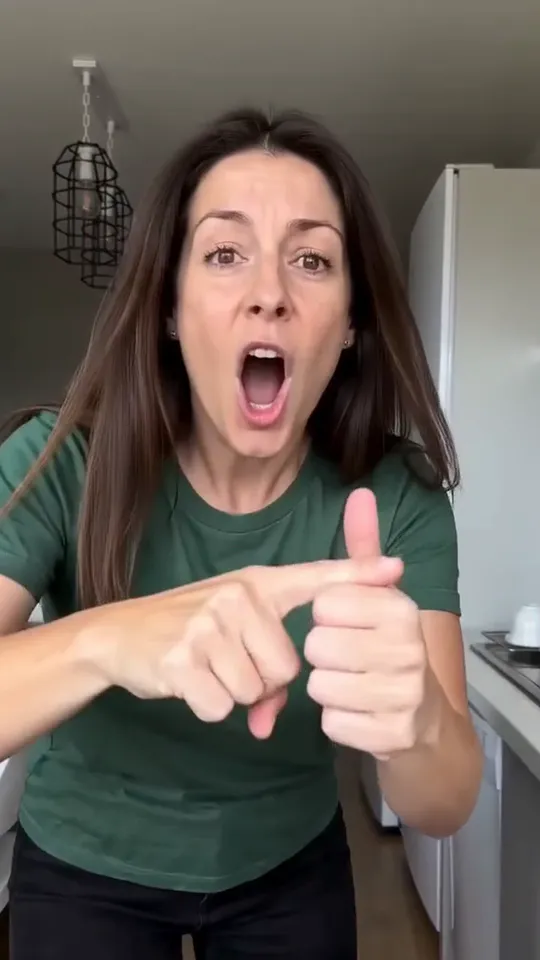
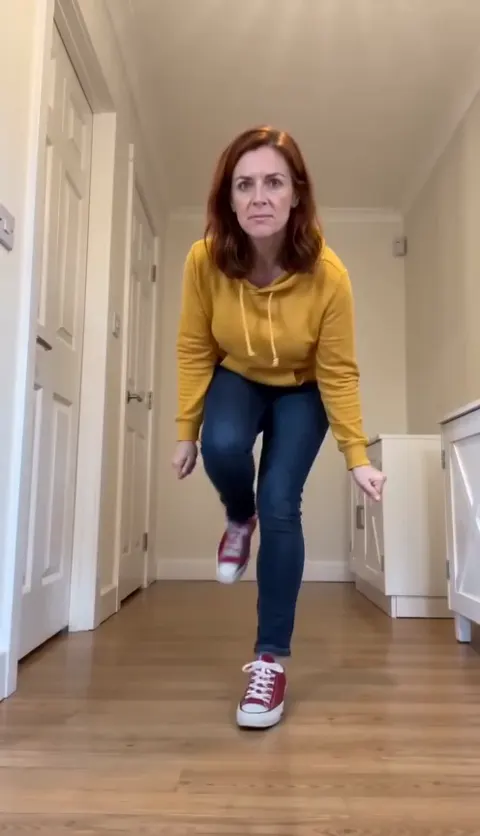
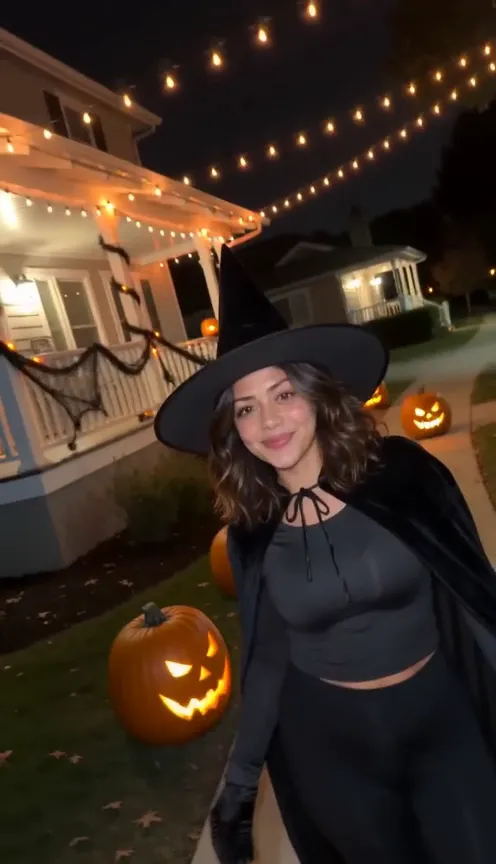
The Ramalama trend is a costume reveal built on a single camera trick. Someone holds a phone close to the ground, aimed at the legs of a person walking toward it. For the first few seconds viewers see only shoes, legs and whatever the costume does around them. When the song drops to a whisper, the phone tilts up fast and the face finally appears, usually with a pose or a laugh.
The track is Ramalama (Bang Bang) by Róisín Murphy, the Irish singer who first made her name in the duo Moloko. It comes from her debut solo album, Ruby Blue, and has nothing to do with Halloween. Its uneven, clattering rhythm is easy to walk to one heavy step at a time, though, and the whisper gives the reveal an exact place to land, so around October the walk became a way to show off a costume.
The Ramalama AI page makes a witch version of the reveal from one photo. Below are the beats, the photo that works, how to post it, and how to shoot it for real if you’d rather.
The five beats, second by second
The whole take runs about 10 seconds with no cuts. Most of it is anticipation; the payoff is squeezed into the last four seconds.
- 0:00 to 0:06, the walk: the camera sits at ankle height. Boots hit the pavement on the beat and the cloak swings around them.
- 0:06, the climb: the phone rises past the knees and waist. Gloves and the top of the outfit come into view, but the face stays hidden.
- 0:07, the reveal: the whisper lands and the camera reaches the face. A small, knowing smile is all it needs.
- 0:08, the lens pose: gloved fingers curl around one eye as if peering through a camera.
- 0:09, the finish: a wide grin and a swirl of the cloak, and the clip ends soon after.
If the face shows up even half a second before or after the whisper, the video loses its punch. Timing matters more than the costume.
Making it from one photo
- Open the Ramalama AI page and add one photo of your face.
- Check the preview: one person, face toward the camera, eyes visible.
- Start the video. It takes about three minutes, and you can close the tab; an email arrives when it’s done.
- Watch it once with the sound on and make sure the reveal meets the whisper.
- Download the MP4. It’s 9:16 vertical, has the song on it already and carries no watermark.
A single video costs $6.99, and packs of 4 or 12 bring the price per video down. There’s no subscription, unused videos don’t expire, HD 720p takes two videos from a pack, and a video that fails goes back into your pack. The full list is on the pricing page.
Picking the best photo
Everything in this trend leads up to one moment, so the face in your photo carries the whole video.
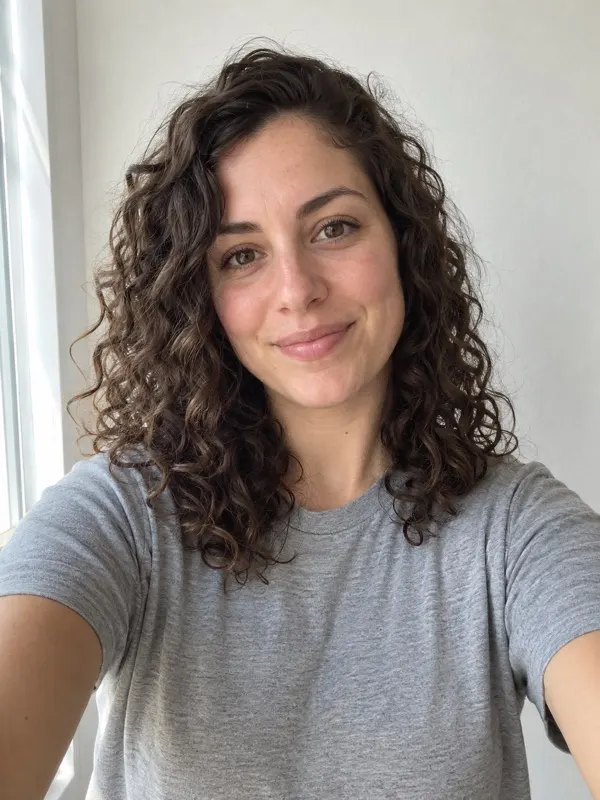
- Face the camera straight on. A slight angle can work; a side profile won’t.
- Use soft, even light, like a window during the day. Harsh light from above leaves shadows under the eyes that get darker under a hat brim.
- Keep your eyes visible: no sunglasses, no hand near your face, no heavy beauty filter.
- Wear your hair however you usually do. It shows under the hat, and a familiar style helps friends recognise you.
- Don’t worry about your clothes. The costume replaces them, so a sofa selfie in a sweater works fine.
- Crop group shots down to one person, and only use a photo of someone who has said yes. Photos of celebrities are refused.
Posting it with the sound
Your file already has the song. Adding the trend’s sound in the app as well is what places your video on the song’s page, where people browsing the trend will find it.
- Upload the video to TikTok or Instagram Reels.
- Tap Add sound and search Ramalama (Bang Bang), or tap the sound on another reveal video and choose to use it.
- Turn the original sound all the way down so two copies of the song don’t clash.
- Play it through and check the whisper still meets your face about seven seconds in. If it doesn’t, drag the sound’s start point.
- Add a short caption and post. On TikTok, switch on the AI-generated content label.
If the sound isn’t available, for example on some business accounts, just keep the original audio: the song is already in the file.
Filming it yourself without AI
With a costume and a friend, the real version takes a few minutes to shoot.
- Pick a sidewalk or garden path at dusk, ideally with porch lights or carved pumpkins nearby.
- Your friend holds the phone upright just above the ground, a few steps ahead of you, pointed up at your shins.
- Play the song out loud and walk toward the phone, one step on each beat.
- Keep your face out of shot until the whisper, then your friend tilts up quickly. A little blur makes it feel fast.
- Hit your poses in order: a smile, a hand or two near your face, then a laugh.
- Anything that moves at ankle height, like a cape, a long skirt or a tail, gives the first six seconds something to watch.
- Chunky boots look great from below.
- First takes usually run early: slow your steps until the last one lands on the whisper.
- A little fog from a fog machine drifting across the lawn makes the scene look spookier.
Questions
What song is used in the Ramalama trend?
Ramalama (Bang Bang) by Róisín Murphy, from her first solo album Ruby Blue. The reveal is timed to the moment the vocal drops to a whisper.
How long is a Ramalama video?
About 10 seconds. The face appears roughly seven seconds in, and the poses fill the rest.
Can I choose a costume other than the witch?
Not in the AI version for now; every video uses the witch. If you film it yourself, any costume works, and ones with a moving hem work best.
Do I need someone to film me?
Only if you shoot it for real. For the AI version you just add a photo, and the low camera and the reveal are made for you.