How to Make the Turn the Lights Off AI Video
How the Turn the Lights Off trend works: the TV scene behind it, its five beats, the photo to use and how to post it with Kato’s song so it joins the trend.
5 min read · Updated
What the Turn the Lights Off trend is
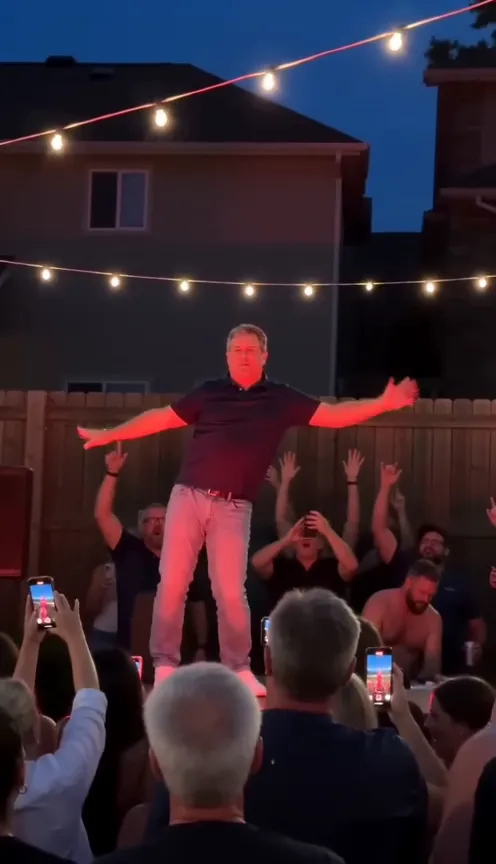
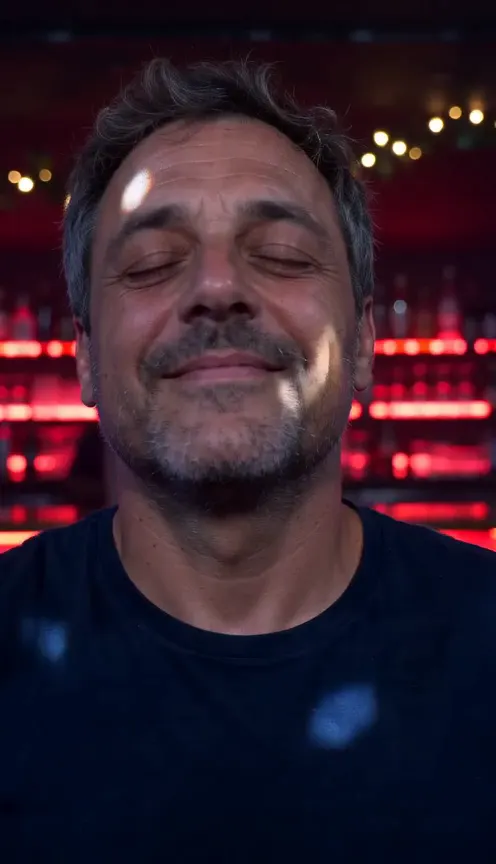
The clip everyone is copying comes from a nightclub scene in the TV series Your Friends & Neighbors. A man dances on his own with his eyes shut and both arms in the air, completely absorbed and indifferent to the people around him. On TikTok the scene was set to Turn the Lights Off by Kato, a Danish club track, and people started posting themselves in the same pose.
The appeal is that unguarded happiness. It turns up at the end of a long week, after good news or simply when someone wants to look like nothing can touch them. The AI version drops you into that club from one photo, in your own face and clothes.
The five beats in ten seconds
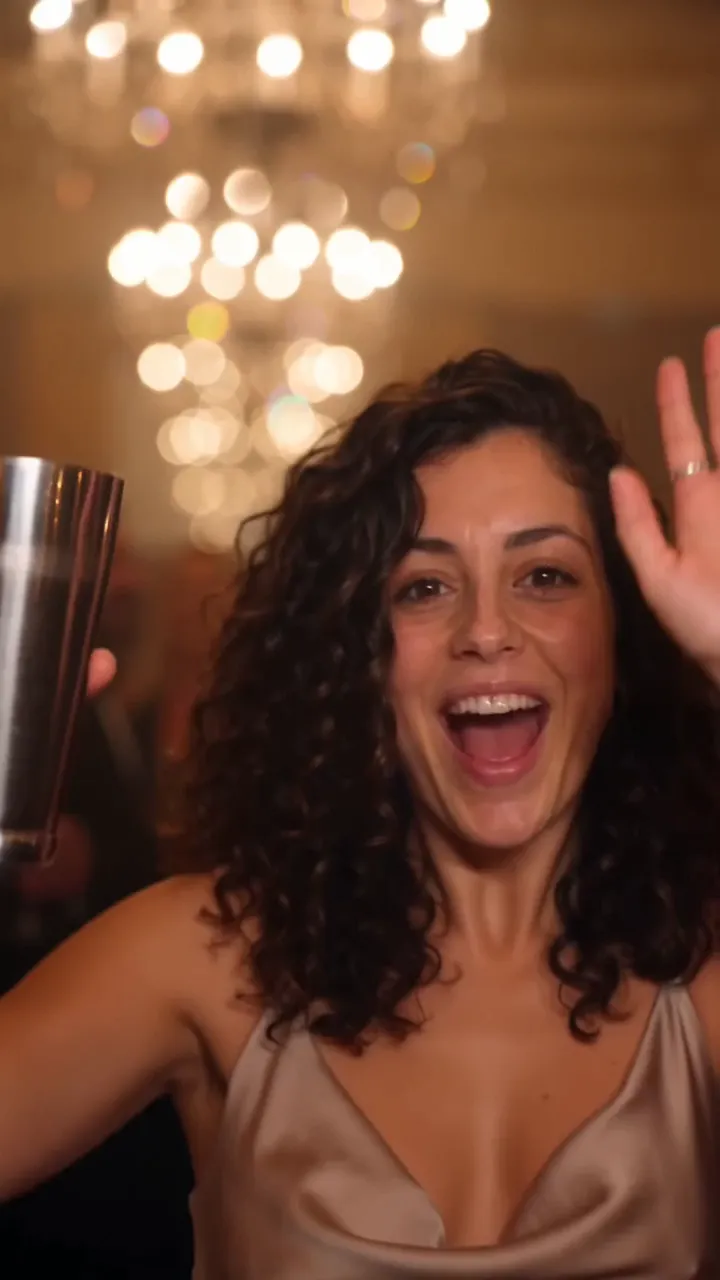
- 0:00, eyes closed: a tight shot of your face by a red-lit bar, chin raised slightly, smiling to yourself.
- 0:03, hands to the heart: both palms settle on your chest while the song builds.
- 0:04, the drop: your arms start sweeping upward the moment the beat lands.
- 0:07, disco balls: arms up in a wide V, the mirror balls overhead and people dancing beside you.
- 0:09, the crowd: the camera pulls back behind the dance floor and finds you in the middle, arms still up.
The whole thing hinges on one moment: the arms going up exactly on the drop. Everything before it is a slow build, and everything after is the release.
Making it from one photo
- Pick a photo of yourself (tips in the next section).
- Go to the Turn the Lights Off page and upload it.
- Start the video. It’s usually done in about 3 minutes, and we email you, so there’s no need to keep the tab open.
- Play it with the sound on, then download it. It’s vertical 9:16, carries Kato’s song and has no watermark.
One video costs $6.99, and packs of 4 or 12 bring the price per video down; see pricing. Unused videos in a pack never expire, and if one fails it returns to your pack.
Choosing the best photo
The first second is a close-up of your face, so the photo’s sharpness matters more here than in most trends.
- One person, face pointed at the camera.
- Soft, bright light on the face. Avoid strong shadows across the eyes.
- No sunglasses, mask or hair falling over the face.
- Head and shoulders at least; down to the waist is better, since your top shows when the arms go up.
- Use your own photo or one of someone who said yes. Celebrity photos are refused.
Your eyes can be open in the photo. They close in the video on their own.
Posting it with Kato’s song
The song is already in your file, timed so the drop lands on your arms. To show up on the trend’s sound page as well, add Turn the Lights Off from the app’s library and silence your original audio so the two don’t overlap.
- Upload the video in TikTok or Reels and tap Add sound.
- Search Turn the Lights Off and choose Kato’s track.
- Trim the start so the drop meets the moment your arms go up.
- Open Volume, turn the original sound to zero and post.
If the drop and the arms won’t line up, post with your original sound on and no added sound instead. The video works perfectly on its own.
Doing it yourself without AI
This one is easy to film for real, because the original is just one person dancing alone. You need a dark room, some coloured light and a friend to hold the phone.
- Use a club, a party or your living room with the lamps off and a disco light or fairy lights on.
- Have your friend start close on your face with the phone held vertical.
- Close your eyes and nod along; bring your hands to your chest a beat before the drop.
- Throw both arms straight up right on the drop and keep your eyes shut.
- As you sway, your friend walks slowly backward so the room and any other dancers come into frame.
Questions
What song is the Turn the Lights Off trend?
Turn the Lights Off by Kato, a Danish club track. It’s already in your AI video, with the arms going up on the drop.
Where does the Turn the Lights Off clip come from?
A nightclub scene in the TV series Your Friends & Neighbors, where a man dances alone with his eyes closed and arms raised.
Can I use a photo of my pet?
Not for this one. It’s made for people, one person per video.
Is this affiliated with Kato or the show?
No. It’s an independent fan tool, not affiliated with Kato, the song’s rights holders, Your Friends & Neighbors or anyone in it. The song is included for personal sharing, and platforms may mute it.